

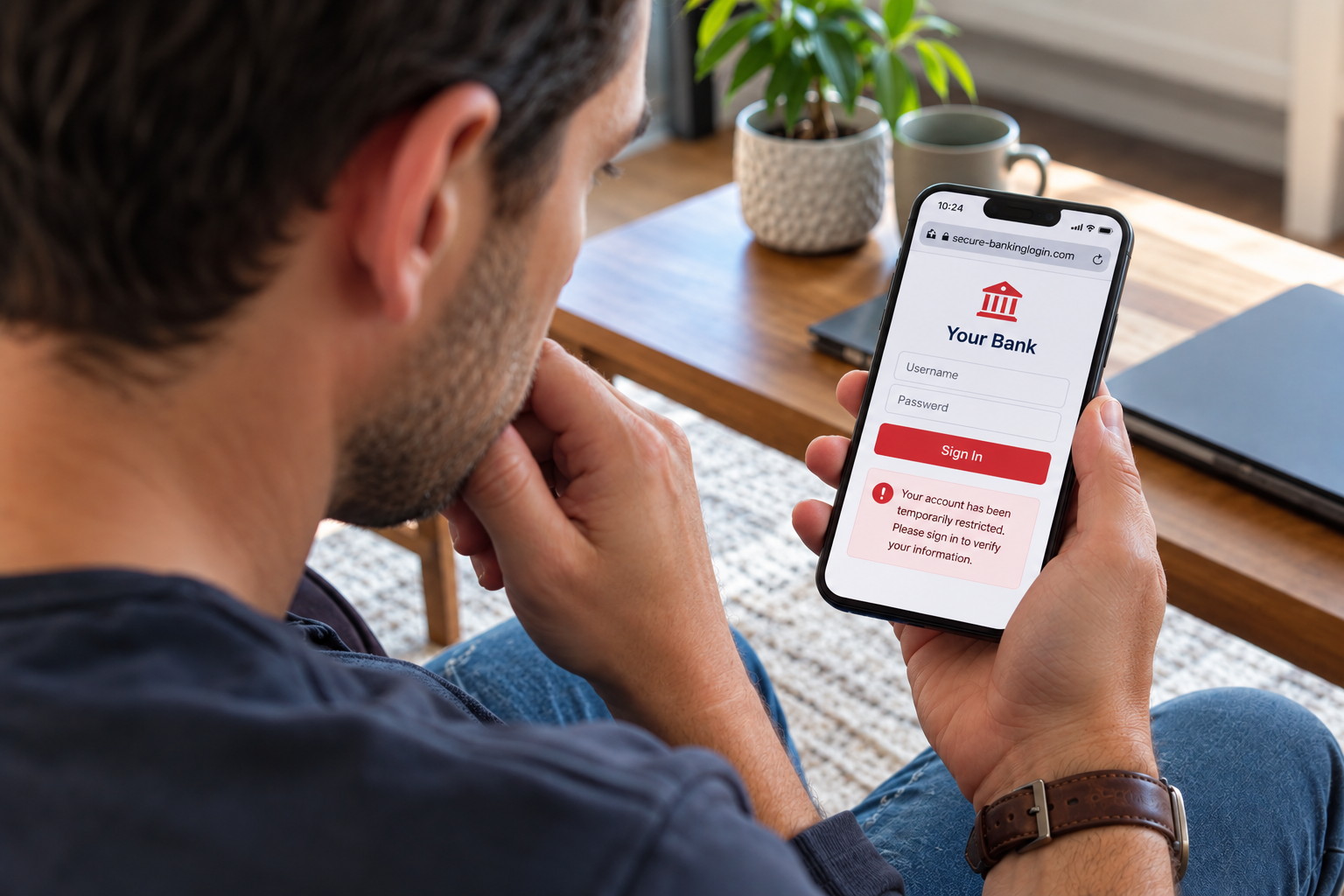
Banking online makes managing your money easier than ever—but it also gives scammers more opportunities to try to steal your information.
Related Page: HOW TO KNOW IF YOUR BANK ACCOUNT HAS BEEN HACKED
Fake banking websites and mobile apps can look surprisingly convincing. They may use a bank's logo, colors, and even a familiar-looking login screen to trick you into entering your username, password, or other sensitive information.
The good news? A few simple habits can help you spot a fake before you hand over your information.
1. Check the Website Address
Before entering your login information, take a close look at the website address.
Scammers may create URLs that look almost identical to a legitimate bank's website, with small spelling changes, extra words, or unusual domains.
When possible, type your bank's website address directly into your browser or use a bookmark you've previously saved instead of clicking a link in an unexpected email or text.
Also look for “https” at the beginning of the web address. While HTTPS alone doesn't guarantee a website is legitimate, its absence is a major warning sign.
2. Be Careful With Search Results
Searching for your bank on Google can be convenient, but don't automatically click the first result you see.
Paid advertisements can appear above organic search results, and scammers may attempt to use misleading ads or lookalike websites to get you to click.
For added security, bookmark your bank's official website and use that bookmark whenever you need to log in.
3. Don't Trust a Website Just Because It Looks Right
A fake banking website can look remarkably professional.
Scammers can copy a bank's:
- Logo
- Colors
- Fonts
- Images
- Login screens
Instead of relying on appearance, check the website address and make sure you're accessing your bank through a trusted source.
4. Watch Out for Urgent Messages
Scammers often create a sense of urgency to get you to act without thinking.
Messages like:
“Your account will be closed today.”
or
“Verify your information immediately to avoid losing access.”
should make you stop and take a closer look.
If you receive a suspicious message, don't click the link. Contact your bank directly using a trusted phone number or website.
5. Never Share a Verification Code
One-time verification codes are designed to help protect your account.
If someone contacts you claiming to be from your bank and asks you to provide a code that was just sent to your phone or email, don't give it to them.
That code could be exactly what a scammer needs to access your account.
6. Download Banking Apps Carefully
Only download your bank's mobile app through an official app store, such as the Apple App Store or Google Play.
Before downloading, check the app's developer or publisher and make sure it matches your bank. When in doubt, visit your bank's official website and use its link to find the correct mobile app.
If Something Doesn't Look Right, Stop
If you accidentally enter your information into a website you believe may be fake, don't panic—but don't ignore it either.
Contact your bank as soon as possible, change your online banking password, and monitor your accounts for suspicious activity.
And remember: if you're ever unsure whether a message, website, or app is really from your bank, it's better to pause and verify than to take a chance.
Protecting Your Money Starts With Awareness
Fraud prevention doesn't have to be complicated. Taking a few extra seconds to check a website, question an unexpected message, or verify an app can make a meaningful difference in protecting your financial information.
At Liberty Savings Bank, we're here to help you bank confidently and securely. If something doesn't look right, reach out to us directly or visit one of our local branches. When it comes to your money, it's always better to ask.